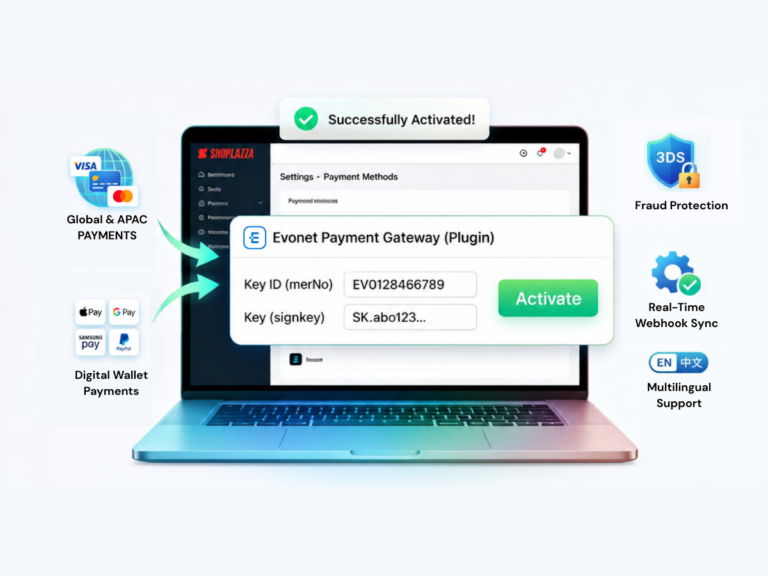
The setup process requires merchants to have an active Shoplazza store and approved Evonet API credentials (Key ID and Key). To activate it, the merchant simply adds “Evonet Payment Gateway” under the payment settings in their Shoplazza admin panel, inputs their production keys, and saves. Once activated, payment options automatically appear at checkout, and order refunds can be processed directly through the Shoplazza dashboard.